Optional with MED Diary Premium
A safety copy only your devices can open.
Encrypted before it leaves your device.
MED Diary generates a random 256-bit Vault Root Key on your device. It encrypts supported records and files there, then keeps the sealed copy current across devices you trust. MED Diary never receives a readable copy of that key.
- Private by designCore tracking remains local and needs no account.
- You hold the keySign in authorizes the mailbox; it cannot unlock it.
- Across your devicesChanges arrive during normal upload and refresh passes.
Blind server mailboxStores ciphertext. Never receives a readable vault key.
The complete path, in plain language
How a diary becomes a sealed safety copy.
The film follows one supported record from your device, through the blind mailbox, and onto another trusted device. It then shows what happens if a device is lost.
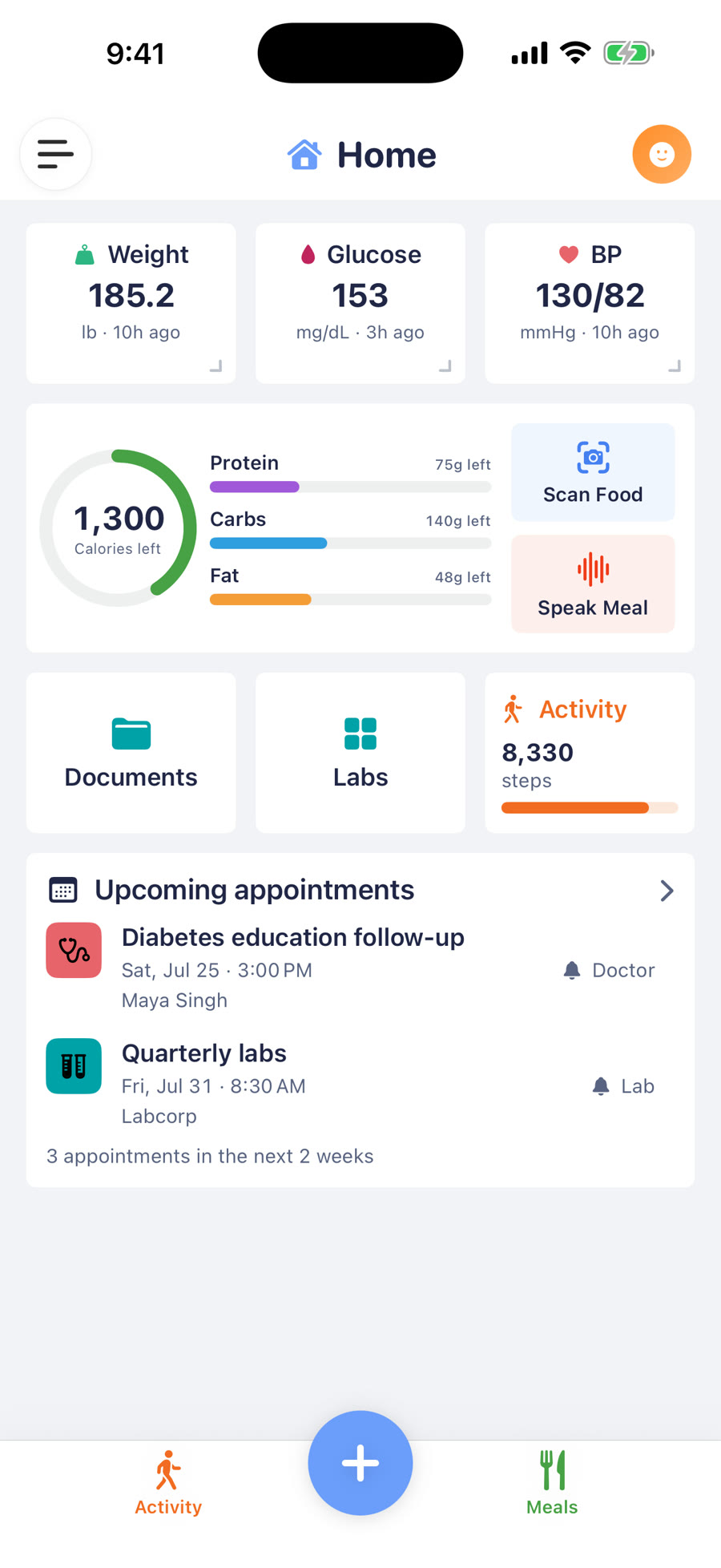
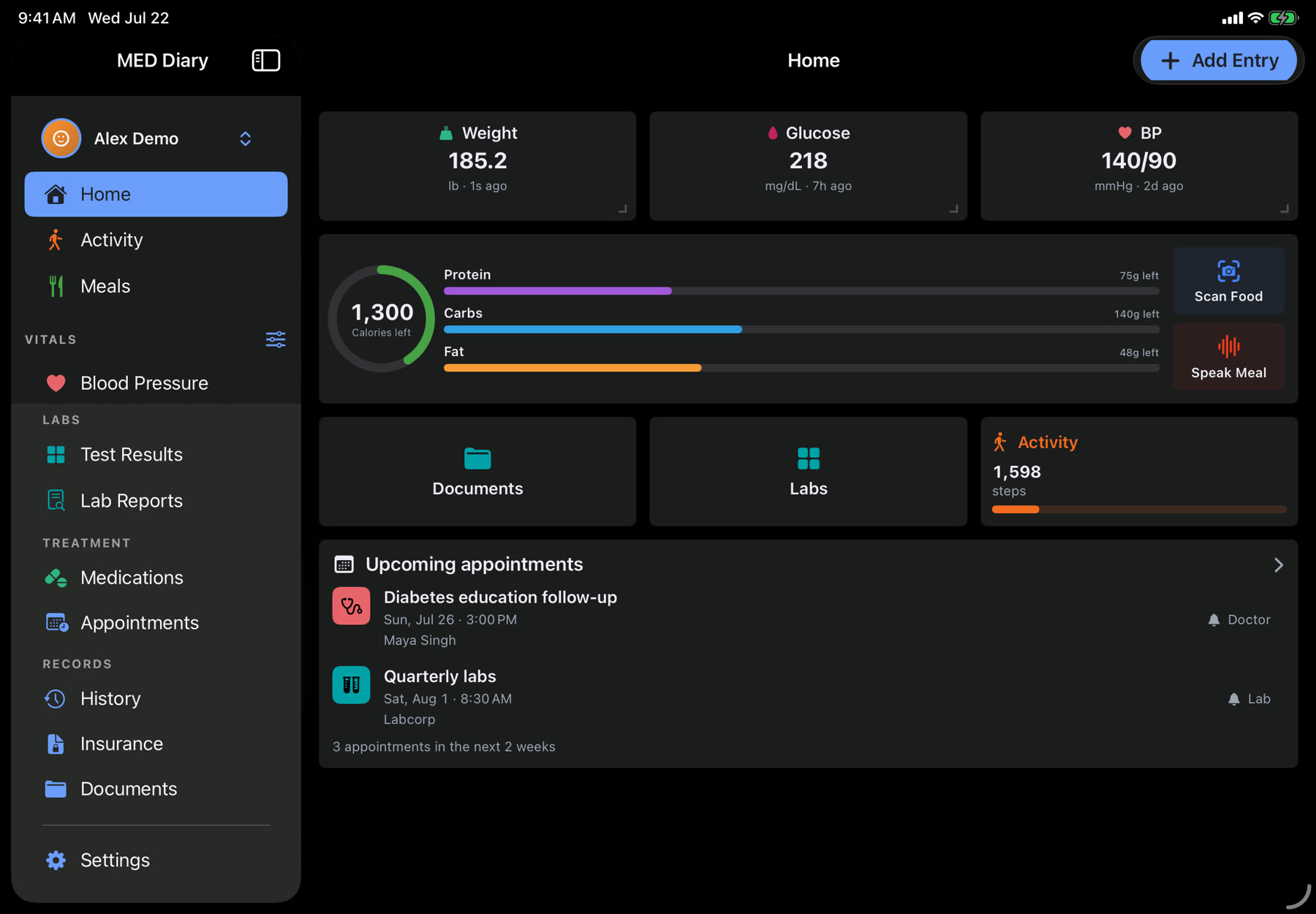
Narrated and captioned. The app screens use fictional information from Alex Demo.
Read the video transcript
MED Diary starts on your device without an account. Optional Premium Encrypted Backup and Sync adds a sealed safety copy of supported records and files across devices you authorize.
Turning it on generates a random 256-bit Vault Root Key on-device, stored in Keychain. Sign in with Apple authorizes the encrypted mailbox, but never creates or resets that key.
Before upload, AES-256-GCM seals supported records and files on the device using separate derived keys. The server receives opaque record envelopes and encrypted file chunks, never readable health content.
MED Diary never receives a readable Vault Root Key. That is zero-knowledge architecture here: the service routes the encrypted diary but cannot decrypt its content. It still sees Sync Identity and authentication events, record-envelope sizes, original byte counts of encrypted files, timing, and network information.
After a change, the service may send another device a content-free background wake-up with no health context or visible message. Delivery is best-effort, may be delayed or dropped, and is not real-time. Launch, foreground, and manual sync remain dependable.
A trusted device downloads sealed updates, then authenticates and decrypts them locally. The server copy stays encrypted. Corrupt data or a wrong key fails closed; the local diary remains the source of truth.
Recovery has three paths: optional iCloud Keychain continuity across Apple devices, approval from a Trusted Device, or a printable Recovery Key. Each restores the vault key without giving MED Diary a readable copy.
Lose every continuity copy, Trusted Device, and Recovery Key, and MED Diary cannot recover the encrypted server data. There is no reset backdoor. Backup and Sync protects your multi-device diary; Shared Access uses separate keys for supported records you share.
Your devices hold the key. Our server holds the sealed safety copy. Recovery and the readable diary stay under your control.
The encryption boundary
Readable here. Sealed in transit. Readable there.
The key material stays at the ends of the path. The service in the middle authenticates and routes the mailbox without gaining the ability to open it.
-
1Your device seals it
Supported records and files are encrypted with AES-256-GCM before upload. Fresh nonces and authenticated envelopes make tampering fail closed.
-
2The mailbox stays blind
The MED Diary service stores and orders opaque envelopes and encrypted chunks. It never receives a readable Vault Root Key needed to decrypt them.
-
3A trusted device opens it
The receiving device obtains the vault key through an approved recovery path, downloads ciphertext, and reconstructs supported diary content locally.
Recovery without key escrow
One vault.
Three ways back in.
Each path delivers or unwraps the same Vault Root Key without putting a readable copy on the MED Diary server.
The boundary is real: if you lose every recovery method, MED Diary cannot reset the key or decrypt the backup for you.
-
iCloud Keychain
An optional continuity copy of the vault key can travel through Apple’s synchronizable Keychain. It is not placed in CloudKit or sent to MED Diary.
-
Trusted device
A device that already holds the key can approve a waiting device. Newly wrapped key material passes through the service; the plaintext key does not.
-
Recovery Key
A generated, printable key can unwrap the vault after device loss. Keep it private and offline; MED Diary cannot reveal a lost copy.
Your devices and recovery methods hold the key. Not MED Diary.
Honest accounting
Blind to the diary.
Not blind to operation.
This architecture keeps protected contents and keys unreadable to the service; it does not make the service invisible. The mailbox still needs limited operational metadata such as address labels, sizes, and timing to work.
Protected by your vault key
The service cannot read
- Health values and clinical detailsreadings, medication names, schedules, meals, lab results, and notes
- Readable filenamesthe names of supported documents and images inside the encrypted vault
- File contentssupported lab files, prescription images, insurance cards, and documents
- Your Vault Root Keyor the child keys derived from it for records, files, and recovery
Needed to run the service
The service can observe
- Identity
- Your Sync Identity and authentication events.
- Devices
- Registered-device count and encrypted device labels.
- Routing
- Opaque mailbox, profile, object and blob identifiers, plus revisions, cursors, and deletion markers.
- Shape
- Record-envelope sizes, each encrypted file’s original byte size, quotas, and object counts.
- Activity
- Request and sync timing, IP and ordinary network metadata.
- Wake-ups
- Apple push token, encrypted at rest, plus its environment and wake-up timing and results.
A content-free push can ask another device to check for changes, but Apple may delay or drop it. The push contains no health information, record category, profile, value, count, or visible message. Opening MED Diary and ordinary refresh passes remain the dependable path to the durable encrypted mailbox.
Established security principles
Independent implementation. Familiar ideas.
MED Diary’s architecture is its own, but it follows security principles used by established privacy products: keep decryption authority with the person’s devices, separate account authentication from encryption, and provide recovery paths that do not give the service a spare key.
These references explain comparable principles, not identical architectures. Apple and 1Password do not endorse MED Diary, and their key hierarchies, account systems, and recovery designs differ from ours.
Lifecycle questions
What happens when circumstances change?
Encryption is only useful when setup, recovery, cancellation, and deletion are explained with the same care as the happy path.
Do I have to turn on Backup & Sync?
No. MED Diary is local-first and core tracking works on your device without a MED Diary account. Encrypted Backup & Sync is an optional MED Diary Premium benefit. Nothing is uploaded to the encrypted mailbox until you choose to enable it.
Does Sign in with Apple unlock my diary?
No. Sign in with Apple authenticates you and authorizes access to your encrypted mailbox. It does not derive, transmit, or reset your Vault Root Key. Authentication answers “which mailbox?” while your key answers “can this device open it?”
Is synchronization instant?
No. Devices upload and fetch changes during the app’s normal protection and refresh passes. A content-free push may prompt another device to check, but push delivery is best-effort and can be delayed or dropped. Open the app and refresh when you need the newest available copy.
What happens when I add or replace a device?
The new device must first recover the Vault Root Key through iCloud Keychain, approval from an existing Trusted Device, or the printable Recovery Key. It then downloads encrypted envelopes and supported file chunks and decrypts them locally. The server never sends a plaintext key.
What if a device is lost or stolen?
Remove it from Trusted Devices to stop it from approving another device and to unregister its background wake-ups. Removal does not revoke an auth session the device already holds or remotely erase its local diary. Use Apple’s Find My protections to lock or erase the device. If an unlocked device may have exposed the Vault Root Key, delete the existing vault and account data, then start fresh because the root and derived data keys cannot currently rotate.
What if I lose every recovery method?
MED Diary cannot reset the vault key or decrypt the server copy. An existing device that still holds the key may retain its readable local diary, but without any device, iCloud Keychain continuity, or Recovery Key, the encrypted mailbox is unrecoverable. This is the consequence of not keeping a server-side spare key.
What happens if Premium ends?
Replication pauses in place. Your local diary remains readable, and the existing device keys, device registrations, and encrypted server mailbox stay available for a later resubscription. Renewing Premium can resume protection; ending Premium does not make the server able to decrypt anything.
How do deletion and account erasure work?
When protection is active, encrypted deletion markers help other trusted devices remove records and prevent an old record from returning during reconstruction. Settings → Privacy & Security → Delete My Data removes the encrypted mailbox, blobs, recovery envelope, device registrations, and related service data along with the local diary. Apple Health and your App Store subscription remain under Apple’s controls.
What if my Recovery Key or Vault Root Key may have been exposed?
A Recovery Key can be replaced from a device that still holds the vault. MED Diary uses a root-derived rotation capability to authorize a new recovery envelope; the service stores only a one-way verifier, which cannot decrypt the mailbox. The old Recovery Key stops working after replacement completes. The Vault Root Key and its derived record and file keys cannot currently rotate. If the Vault Root Key itself may be exposed, delete the existing vault and account data, then start fresh with a new vault and keys.
Does the safety copy include everything on my phone?
No. Backup & Sync covers the supported MED Diary records and files eligible for the encrypted vault. It is not a general phone backup, and Apple Health maintains its own data under your Apple settings. Use the in-app protection status and raw export when you need to verify what MED Diary currently holds.
A separate trust boundary
Backing up your diary is not the same as sharing it.
Encrypted Backup & Sync protects an off-device safety copy for your own trusted devices. Shared Access uses a separate random key for each caregiver and only relays the supported records you choose. A backup key is never reused as a sharing key.